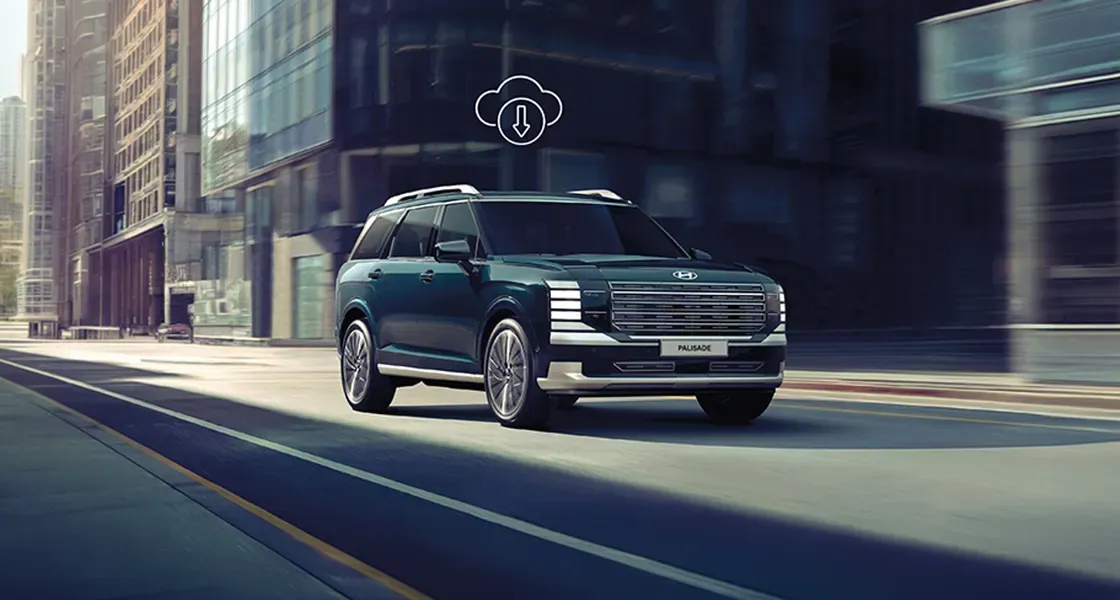
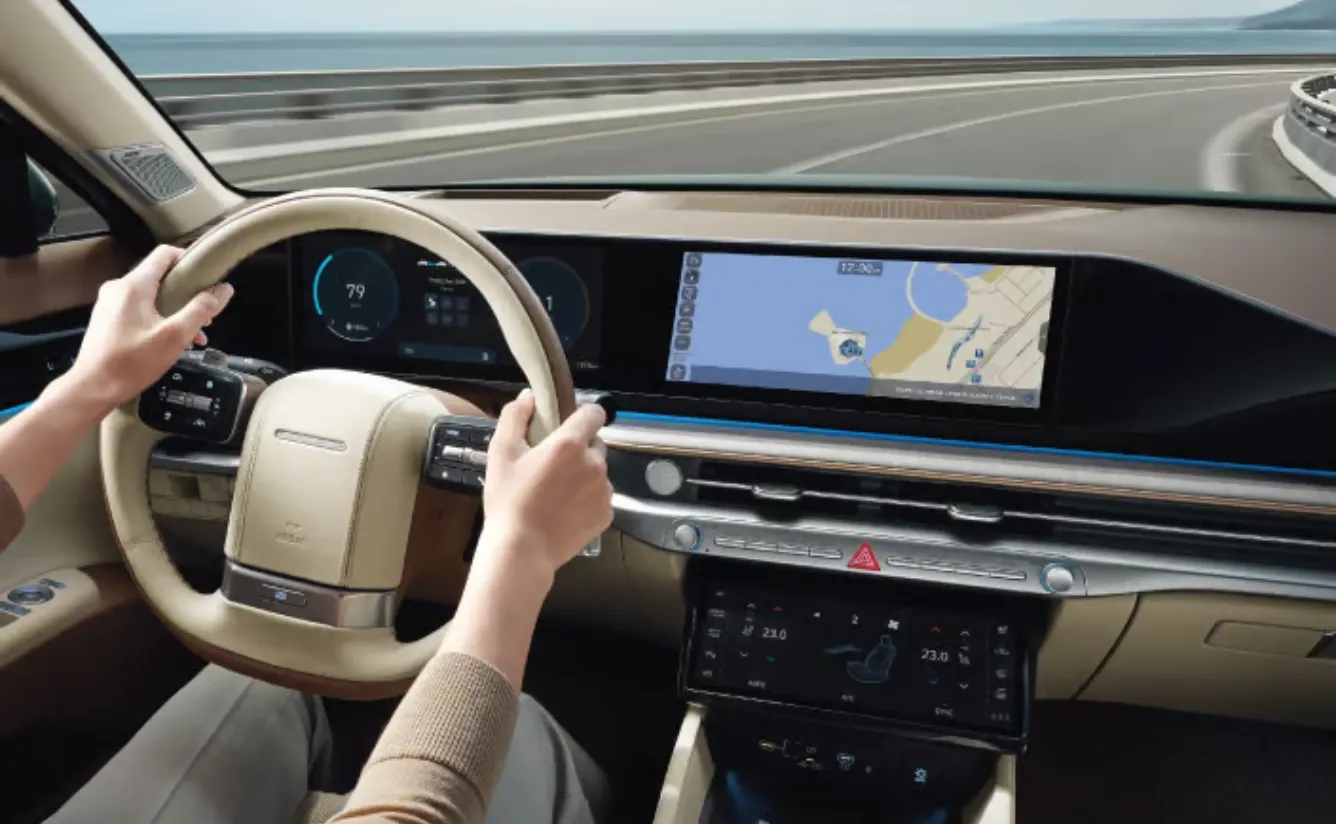
.webp?w=1920&q=80&ext=webp)
Safety/Security
Next :
Comfort & Convenience
.webp?w=1920&q=80&ext=webp)
Valet Alert
Enable Valet Mode to protect your privacy and monitor driving activity. Track driving history and set restricted zones.
Whenever you leave your Hyundai with a valet driver, you can activate Valet Alert to receive a notification if the vehicle travels beyond a preset distance or idle time limit. (or speed)
.webp?w=1920&q=80&ext=webp)
Geo Fence
With Bluelink, you can set a digital perimeter for your car. If the perimeter is breached, you will be alerted at regular intervals.
With the Geo Fence feature, you can set a virtual boundary for your Hyundai. If the car moves beyond this digital perimeter, you’ll receive instant notifications—helping you stay in control, even from afar.
.webp?w=1920&q=80&ext=webp)
Speed Alerts
Get notified if your vehicle exceeds a set speed limit, perfect for keeping an eye on young or valet drivers.
.webp?w=1920&q=80&ext=webp)
Time Fencing
Define specific time windows when your car is allowed to be driven. If the vehicle is used outside of those hours, you’ll be alerted immediately.
All alerts are sent directly to your smartphone via the Bluelink app, so you’re always connected and in the know no matter where you are.